Try Free · No Signup · No Credit Card

AI Image Editor Upload It. Transform It.

0/1000

From Sketch to Masterpiece

Keep the structure, change the style.
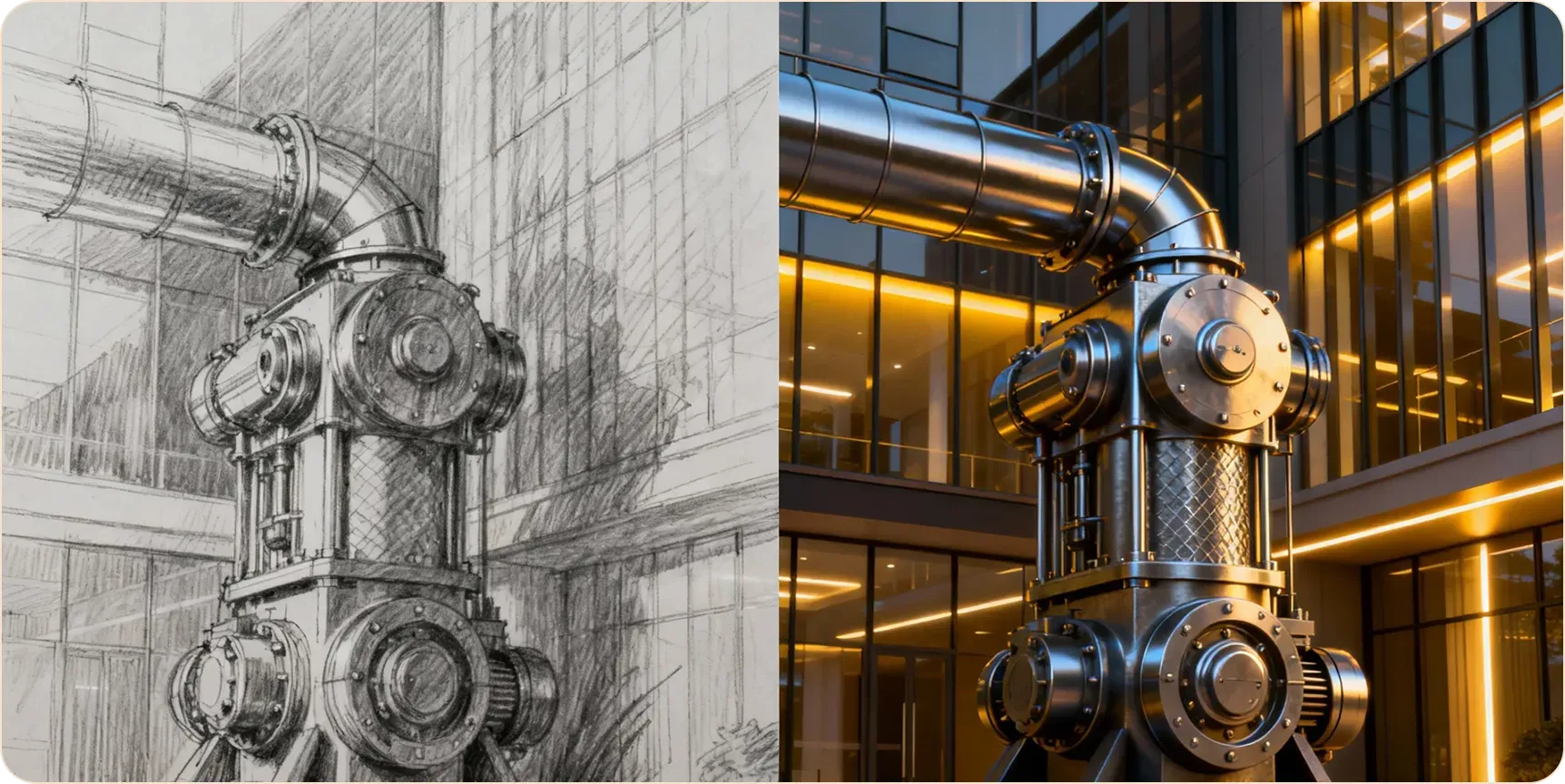
AI generated image preview

What Sets TopickAI AI Image Editor Apart

Describe It. AI Edits It.

Natural Language Editing

Natural Language Editing

No complex tools or layer masks needed. Generate, enhance, and transform images with simple text descriptions.

Character & Scene Consistency

Character & Scene Consistency

Change outfits or backgrounds while keeping faces intact. Ensure consistent branding, characters, and design elements across projects.

Multiple Editing Tools

Multiple Editing Tools

Style transfer, background replacement, inpainting, outpainting, detail enhancement — all your image editing needs in one place.

Edit Images in 3 Steps

No technical skills needed. Anyone can do it.

1

Upload Your Image

Upload the image you want to edit: photos, sketches, or 3D model screenshots.

2

Describe Your Vision

Describe what you want, like "Change to cyberpunk style" or "Replace background with a beach."

3

Generate

Click generate and get results in seconds. Adjust your prompt or settings to refine further.

Advanced AI Image Editing Features

More ways to transform your images.

Sketch to Image

Sketch to Image

Turn rough sketches into polished images.

Style Transfer

Style Transfer

Apply Van Gogh or any art style to your photos.

Outpainting

Outpainting

Extend images beyond their original borders.

Upscaling

Upscaling

Enhance low-resolution images.

Image Editor Guides

Architecture

How to Render Floor Plans Fast

Using Photorealistic mode for interior design rendering.

Fun

Turn Your Selfies into Anime Characters

Best settings for anime style transfer.

Business

Generate Product Variations for E-commerce

Change colors and backgrounds quickly.

Frequently Asked Questions

1
What image formats are supported?
JPG, PNG, and WebP up to 10MB.
2
Can I control how much the image changes?
Yes. Use the "Image Strength" slider: lower values keep more of the original, higher values allow more AI changes.
3
Is my uploaded image private?
Yes. Your images are processed securely and never displayed publicly unless you choose to share.
4
What types of edits can I make?
Style transfer, background replacement, object editing, inpainting, outpainting, detail enhancement and more. If you can describe it, AI can do it.
5
Do I need professional design skills?
Not at all! Whether you're a professional designer or everyday user, our intuitive interface lets you achieve professional edits through simple text descriptions.
6
Can I use it without signing up?
Yes! No signup, no credit card required. Upload and start editing right away. Log in to unlock more advanced features.
7
What's the difference between free and paid?
Free tier offers basic editing with watermarks for personal use. Paid plans (Pro/Ultra) unlock all advanced features, no watermarks, with full commercial rights.
8
Do I own the edited images?
Free edits are for personal use only. Paid plan (Pro/Ultra) users own full commercial rights — use for merchandise, marketing, client work, etc.
9
How long does editing take?
Most edits complete within seconds, allowing you to iterate quickly and try different effects.
10
How do I get more credits?
Sign up for a free account to get daily credits. Upgrade to Pro or Ultra plans for higher limits and all advanced features.

5M+

Images edited

Ready to Start Editing?

Try core features free · No credit card required